
Building a WordPress ecommerce website might sound technical at first, but trust me—it’s easier than assembling IKEA furniture (and way less frustrating). Whether you’re launching an online store for the first time or shifting from a physical shop to digital, WordPress gives you all the tools you need. So grab a coffee, relax, and let’s build your online empire—step by step.
What is a WordPress Ecommerce Website?
A WordPress ecommerce website is simply a website built using WordPress where you can sell products or services online. Thanks to plugins like WooCommerce, you can sell anything—from physical products and digital downloads to subscriptions and services.
The best part? You don’t need to be a developer. With drag-and-drop builders, ready-made themes, and plugin support, your best ecommerce websites dream is just a few clicks away.
Planning Your WordPress Ecommerce Website
Before installing anything, pause and plan. A little strategy saves a lot of headaches later.
Ask yourself:
- What will I sell?
- Who is my target audience?
- Will I sell locally or globally?
- What payment methods will I need?
This clarity helps you build the right WordPress ecommerce website instead of guessing your way through.
Step-by-Step Process to Build Your Website
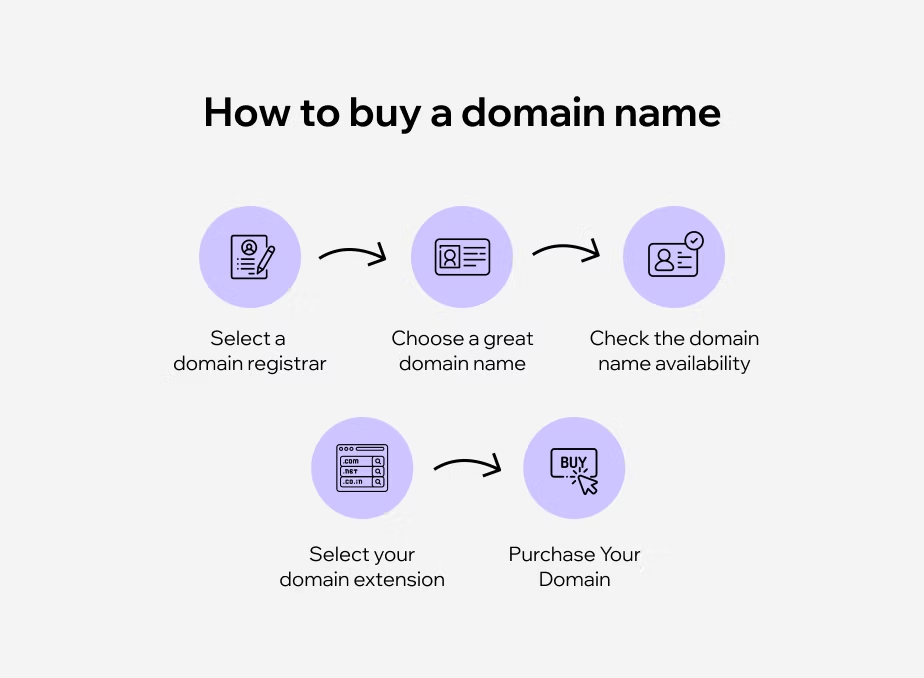
1. Choosing a Domain Name
Your domain is your online identity. It must be fast, secure, and reliable. It should be:
- Easy to remember
- Brand-friendly
- Ending in .com if possible
2. Hosting for WordPress
Choose hosting that offers:
- One-click WordPress install
- Free SSL certificate
- Fast servers
- Daily backups
- 24/7 support
Good hosting is like a strong engine—it determines how fast and smoothly your store runs.
3. Installing WordPress
Most hosting providers offer one-click WordPress installation. Just log into your hosting panel, click “Install WordPress,” choose your domain, and you’re good to go.
In less than five minutes, your website foundation is ready.
4. Choosing the Right Theme
Your theme controls how your store looks. Always pick a theme that is:
- Ecommerce-friendly
- Mobile responsive
- Fast loading
- Compatible with WooCommerce
Popular choices include Astra, OceanWP, and Storefront.
Your theme is the outfit your store wears—make it stylish but comfortable.
5. Installing WooCommerce Plugin
WooCommerce is the engine that powers your WordPress ecommerce website. It turns your normal website into a full online store.
Steps:
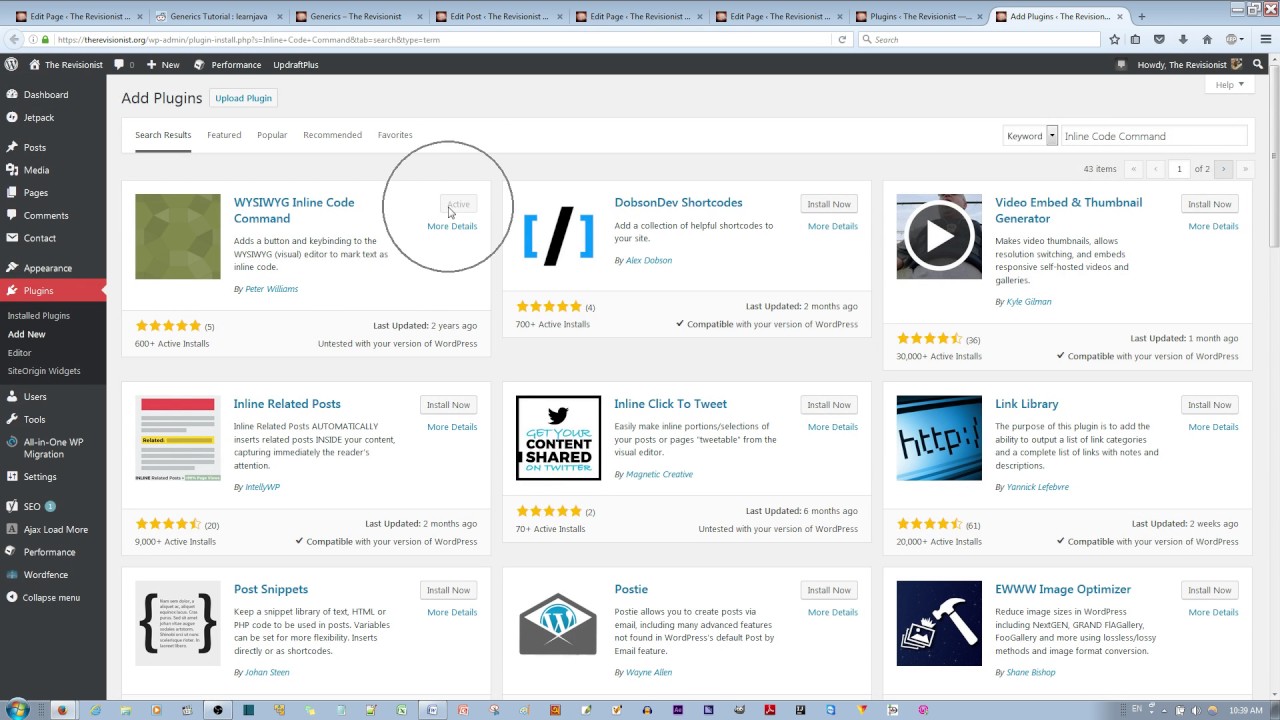
- Go to Plugins → Add New
- Search “WooCommerce”
- Click Install → Activate
WooCommerce will automatically start a setup wizard to guide you.
6. Adding Products to Your Store
Go to Products → Add New and enter:
- Product name
- Description
- Price
- Images
- Categories
You can add simple products, variable products, or digital products. Uploading products is like filling shelves in your digital shop.
7. Payment Gateways Integration
Your customers need smooth checkout options. WooCommerce supports:
- PayPal
- Stripe
- Credit/Debit Cards
- Bank Transfer
- Cash on Delivery
Choose based on your target market. The easier the payment, the higher the sales.
8. Shipping and Tax Setup
Set:
- Flat-rate shipping
- Free shipping
- Location-based shipping
Taxes can be automated based on the country or state. A properly configured shipping and tax system avoids customer confusion and legal trouble.
9. Install Essential Plugins
To improve performance and SEO, add helpful plugins.
Recommended Plugins:
- Rank Math SEO (SEO optimization)
- WP Super Cache (Speed)
- UpdraftPlus (Backups)
- Smush (Image optimization)
10. Designing Your Store for Conversion
Design isn’t about beauty alone—it’s about sales.
Improve conversions by:
- Using clear product images
- Adding customer reviews
- Simplifying navigation
- Using trust badges
- Keeping checkout simple
Your store should guide visitors like a friendly salesperson.
11. Testing Before Launch
Before going live, test everything:
- Add to cart
- Checkout process
- Payment transactions
- Mobile responsiveness
- Page speed
Better to find errors now than lose customers later.
12. Launching Your Store
Once everything is tested:
- Remove the coming soon page
- Announce on social media
- Send email campaigns
- Offer launch discounts
Your grand opening is just as important online as offline.
Maintaining and Scaling Your Ecommerce Website
Your job doesn’t end after launch.
You must:
- Update plugins regularly
- Add new products
- Improve SEO
- Analyze user behavior
- Run promotions
As your business grows, your WordPress ecommerce website should grow with it.
Why Choose WordPress for Ecommerce?
Why do over 40% of the world’s websites run on WordPress? Simple—because it works.
Here’s why WordPress is ideal for ecommerce:
- It’s free and open-source
- Massive plugin ecosystem
- Unlimited customization
- SEO-friendly structure
- Works perfectly with WooCommerce
- Suitable for small shops to large stores
Think of WordPress as the foundation of your house—and WooCommerce as the showroom where customers shop.
FAQs
1. How much do you need to invest to build a WordPress ecommerce website?
It can cost anywhere from $50 to $300 initially, depending on hosting, theme, and plugins.
2. Is WooCommerce free to use?
Yes, WooCommerce is completely free, but some advanced features may require paid add-ons.
3. Can I sell digital products on a WordPress ecommerce website
Absolutely. WooCommerce supports digital and downloadable products easily.
4. Is WordPress secure for ecommerce websites?
Yes, with proper security plugins, SSL, and regular updates, it is highly secure.
5. Can I build a WordPress ecommerce website without coding?
Yes, everything can be done using plugins, themes, and visual builders.
Conclusion
Building a WordPress ecommerce website is no longer a luxury—it’s a necessity. With WordPress and WooCommerce, you can launch a professional online store without coding, without massive investments, and without stress. From planning and hosting to product uploads and SEO—each step builds your digital success brick by brick.
If you stay consistent, optimize smartly, and focus on your customers, your ecommerce store won’t just exist—it will thrive.